Thursday, 19 January 2012

sembang-sembang linux

 
ni gnome desktop yg telah ditweak menjadi lebih lawa.nampak mcm sama tapi lain yee.Tgk kat bawah bahagian menu tu.sbnrny dia mcm ni.
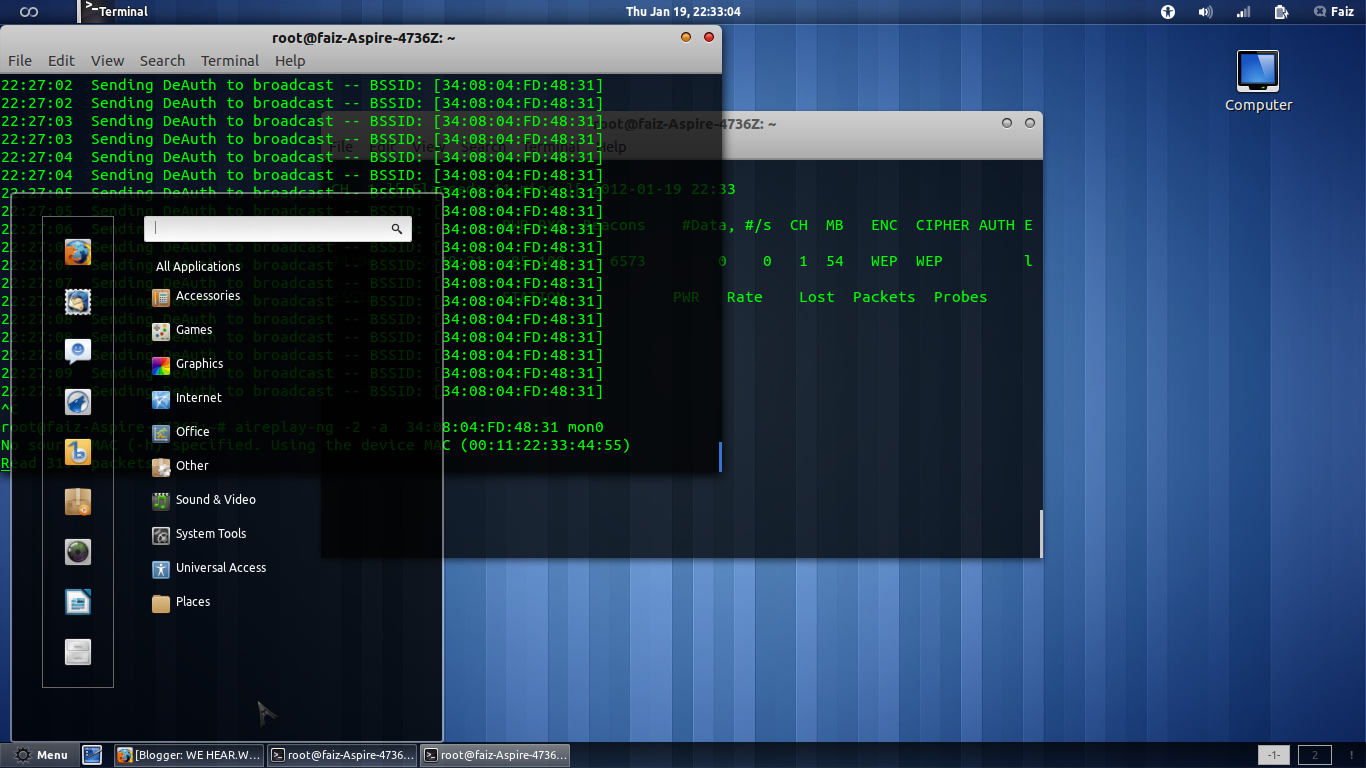
 gnome 3 dan unity diperkenalkan dlm distro ubuntu merupakan salah satu identiti baru yg diperkenalkan oleh pihak developer krn mungkin canonical nakkan ubuntu menjadi lain daripada yang lain jika dibanding dgn kbnykan linux diluar sana.well nasihat aku untuk gnome 3 n unity..kalo ram stakat 1gb usah mimpikanlahh.hahahaha.
post kali ni aku nak sembang santai je.nnti2 lah aku buat tuto.baru abis peksa.penatt.hihi.

yg ni pulak openbox dlm ubuntu aku.

openbox sgt ringan n sesuai utk laptop yg ram rndah mcm aku.hihi.okey.cau dulu aa.

ps:/sape3 yang ade distro lawa2 bole la kongsi ngan aq.jgn kedekot.hihi.

Saturday, 17 December 2011

[bloodyhell windowz] RecoVering Your Hidden files Using CmD

nahh. hate to said this but window never make me satisfy. even i success on tweaking it, still, windows is the most "heavy" operating system since it consumes too much of RAM. another shit that makes windows become bloody problems is virus.

         since all my companions and my family are using windows, i think i need to post this entry. this entry will help you on how to recover your "missing files". oke.lets get started.

Step 1: open your cmd.click on the start button and type "cmd" and press enter.
step 2:usually the default path of the cmd is c:/user/YOUR_NAME>.you need to change the path.as an example your bloody pendrive letter is G:.Thus simply type "G:"(without the quotation marks) and press enter. want to know your drive letter simply open my computer and see on your pendrive parts.

step 3:Now your path should be like this. G:/> .okay.since you get your correct path, now simply type this. "attrib"(without the quotation marks). this command will let cmd list all sorts of files on that pendrive.

step 4:notice that the shortcut extension is .ink. such an example when you running attrib, you got
A    SH    G:/FOLDER NAME.ink.
now run this command to fix it up.

attrib -s -h "FOLDER NAME"(with the quotations marks.)

press enter and your file should be fixed. I will Provide Screenshot when im on windows later on. :)

Friday, 25 November 2011

Splitting.Combining.At your hand.

Hey you my linux companion.Today i want to share something that will helping you how to combining files using terminal.

First of all you must install lxsplit
"sudo apt-get install lxsplit"

not a huge program.Around 10Kb i guess.How to use it?
Here.lxsplit got only two argument.


                      -s-------->splitting file
                      -j--------->Join the file

the command is

"lxsplit -s [filename] [new size]"---------->for splitting
"lxsplit -j [filename.001]"--------------------->for joining

as usual.here my screenshot :)

*actually this working like hjsplit but since you are using terminal.ITS COOL BEB*hahahahahahahahahaha!!!!!